
Choosing the Best AI Image Generator for Your Business (2026 Guide)
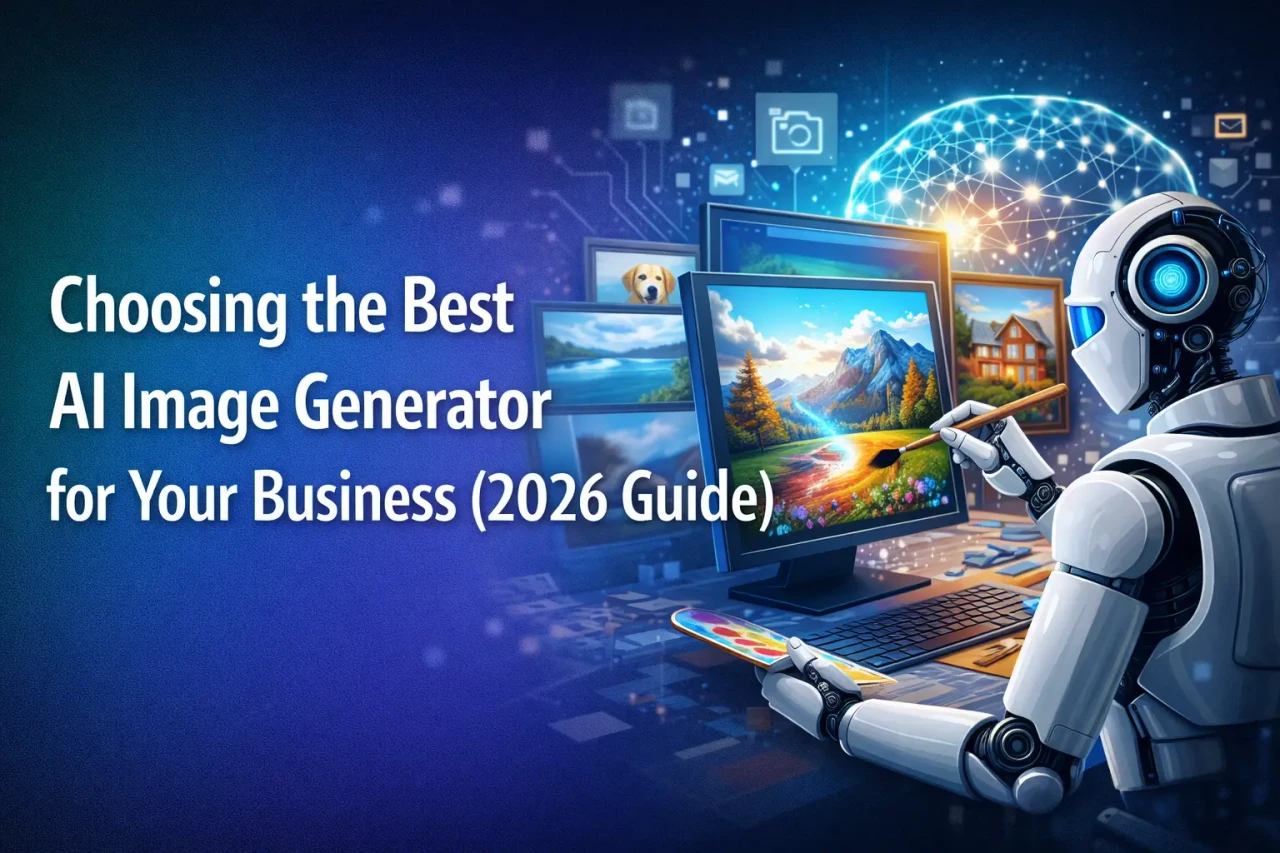
AI image generation in 2026 has evolved into a powerful business and creative tool, offering photorealistic visuals, accurate text rendering, legal-safe assets, and advanced customization. This guide compares leading platforms like Google Gemini’s Nano Banana, GPT Image 1.5, Midjourney v7, Flux 2, and Adobe Firefly to help businesses, marketers, and creators choose the right AI image generator for productivity, branding, and scalable content creation.
We have come a long way since the days when AI thought humans had seven fingers and couldn't spell a simple word to save its life. In 2026, creating images with AI is no longer a party trick—it is a practical, everyday tool. Today, the focus is on getting exactly what you want, reading text perfectly, and making sure the images are legally safe to use.
Whether you are a professional designer, a small business owner, or just having fun, here is a simple breakdown of the best AI image tools available this year.
1. Nano Banana Pro (via Google Gemini)
Best For: Making things look 100% real and spelling words perfectly.
The Details: Full disclosure: This is the engine under my own hood! Nano Banana is widely considered the top-tier model this year. Its superpower is "text rendering"—meaning if you ask for a neon sign that says "Diner," it will actually spell "Diner" instead of scrambled letters. It is also great at blending multiple images together and making tweaks based on our conversation.
Pricing: Included in the Gemini Paid tier (which is what we are using right now!).
2. GPT Image 1.5 (via ChatGPT)
Best For: Easy, back-and-forth editing.
The Details: OpenAI’s latest tool is built for teamwork. Instead of trying to type one massive, perfect instruction, you can just start with a basic idea. Once the image is generated, you can simply tell the AI, "Make the background darker," or "Change the shirt to red." It updates the picture naturally without ruining the rest of the scene.
Pricing: Included with ChatGPT Plus.
3. Midjourney v7
Best For: Breathtaking, movie-poster-style art.
The Details: If you want something that looks incredibly creative, artistic, or like a painting for a blockbuster movie, Midjourney is still the undisputed king. Version 7 has finally made their website much easier to use, and it offers unmatched lighting, texture, and mood.
Pricing: Starts around $10/month (No free option).
4. Flux 2 (Max / Flex)
Best For: Total privacy and teaching the AI your own style.
The Details: Flux 2 is "open-source," meaning it is essentially free software that anyone can use and modify. The coolest part? You can train it on your own photos so it learns exactly what you or your brand's products look like. Tech-savvy users can even run it completely offline on their own computers for ultimate privacy.
Pricing: Free to download (though you might pay a cloud service to run it for you).
5. Adobe Firefly Image 5
Best For: Businesses that want to stay out of legal trouble.
The Details: Firefly is built directly into Adobe's popular design apps like Photoshop. Its biggest selling point is trust: Adobe trained this AI exclusively on images they already own or that are free for the public to use. That means whatever you create is 100% legally safe to use for your company's ads or marketing.
Pricing: Free basic version, or included if you already pay for an Adobe subscription.
Quick Comparison Guide
Conclusion: The Secret to a Great Image
The real secret to getting a great picture in 2026 isn't just picking the best software; it is how you ask for it. Instead of just saying "a dog," try giving the AI a recipe. Always tell it the Subject (a Golden Retriever), the Action (catching a frisbee), the Environment (at a sunny park), and the Style (photorealistic, taken with a professional camera).